


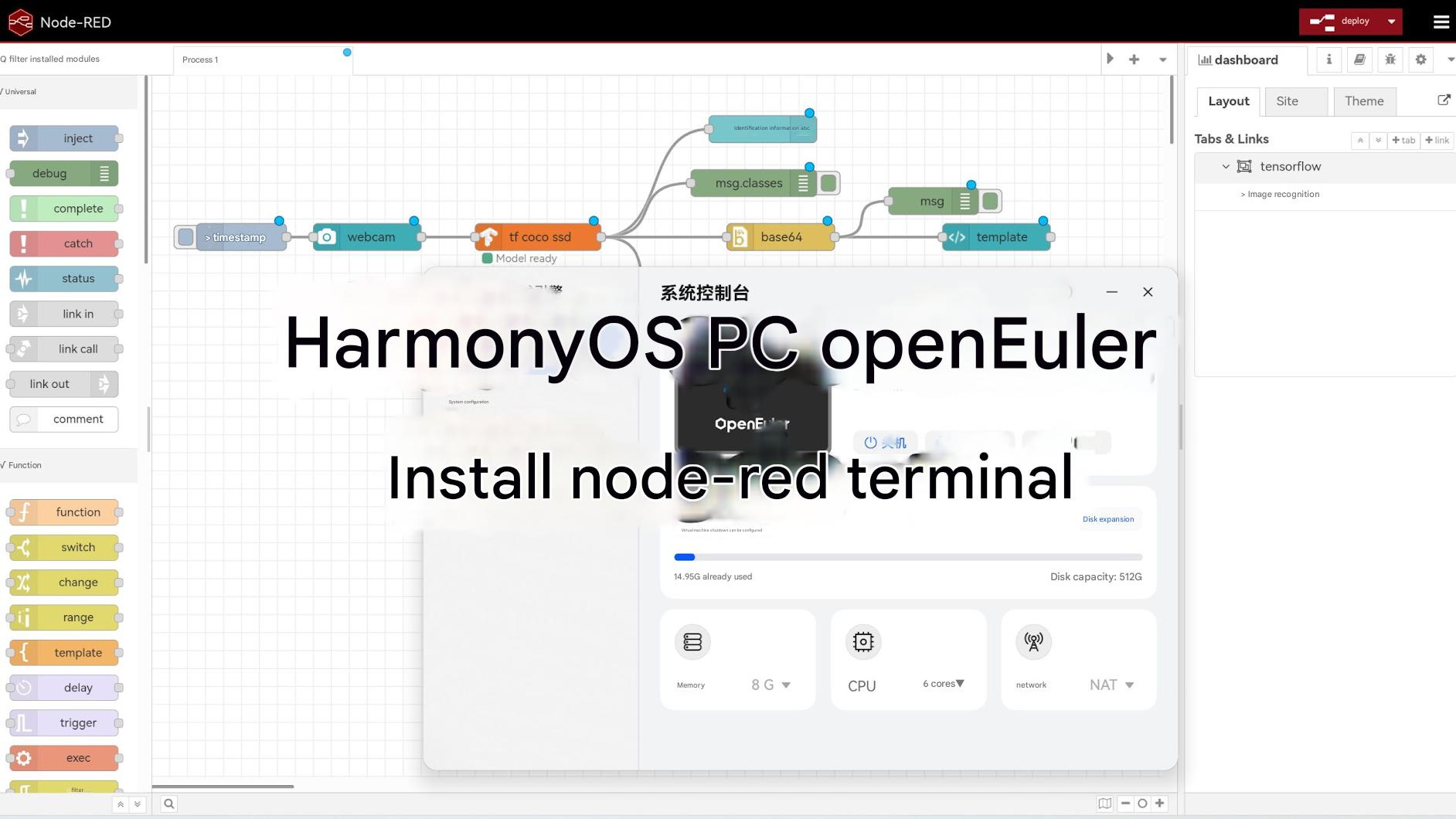
I. Basic Environment Setup
1. nodejs
Note: Some versions of the latest Node.js may have issues; we recommend using version 20, which is included in the repository, when running Node-RED.
sudo dnf update -y
sudo dnf install nodejs -y
node -v
2. Development Tools
sudo dnf groupinstall "Development Tools" -y
sudo dnf install cmake -y
2. Installing Node-RED
1. Installation
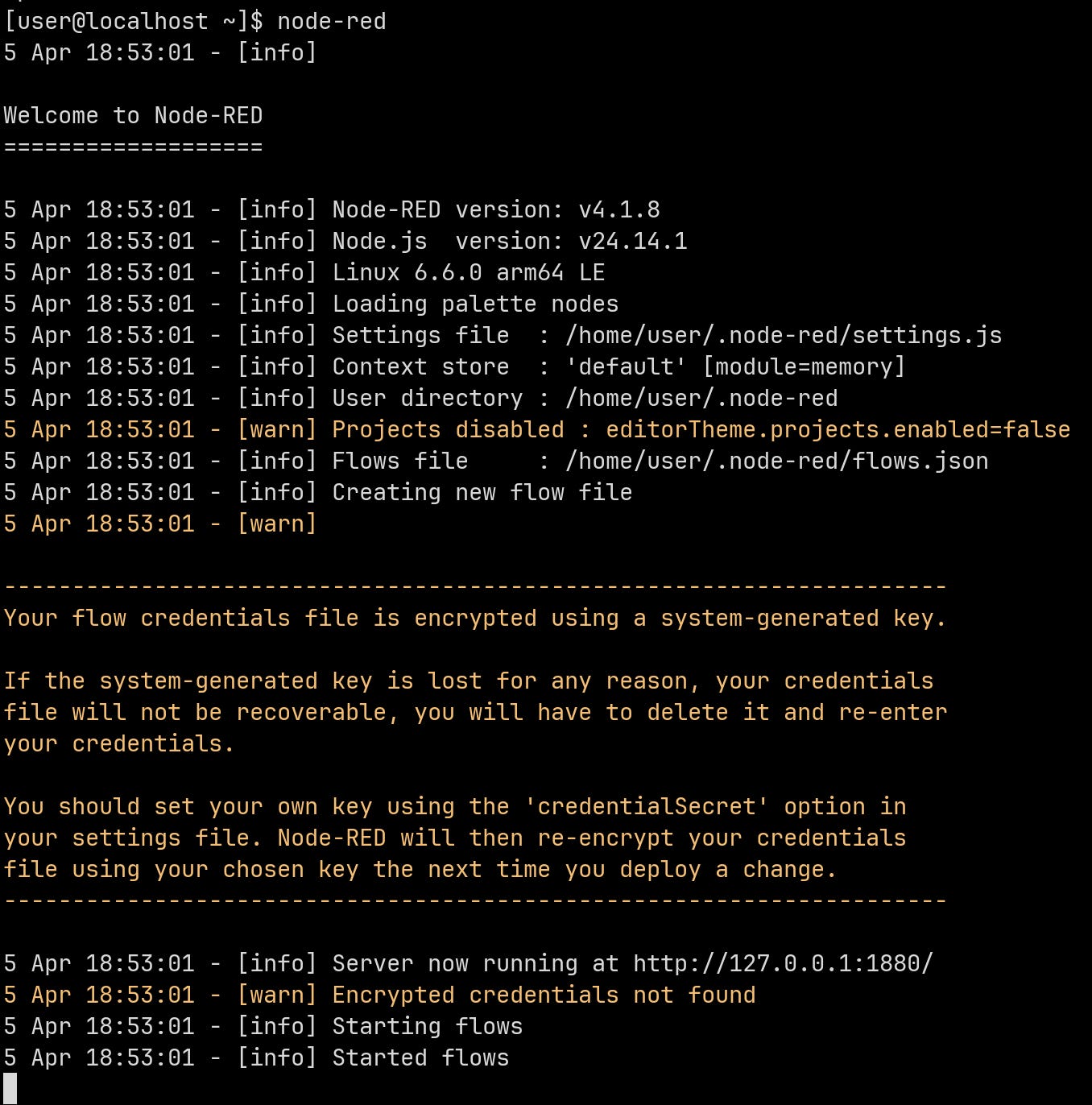
sudo npm install -g --unsafe-perm node-red --registry=https://registry.npmmirror.comOnce the installation is complete, type `node-red` to start it.
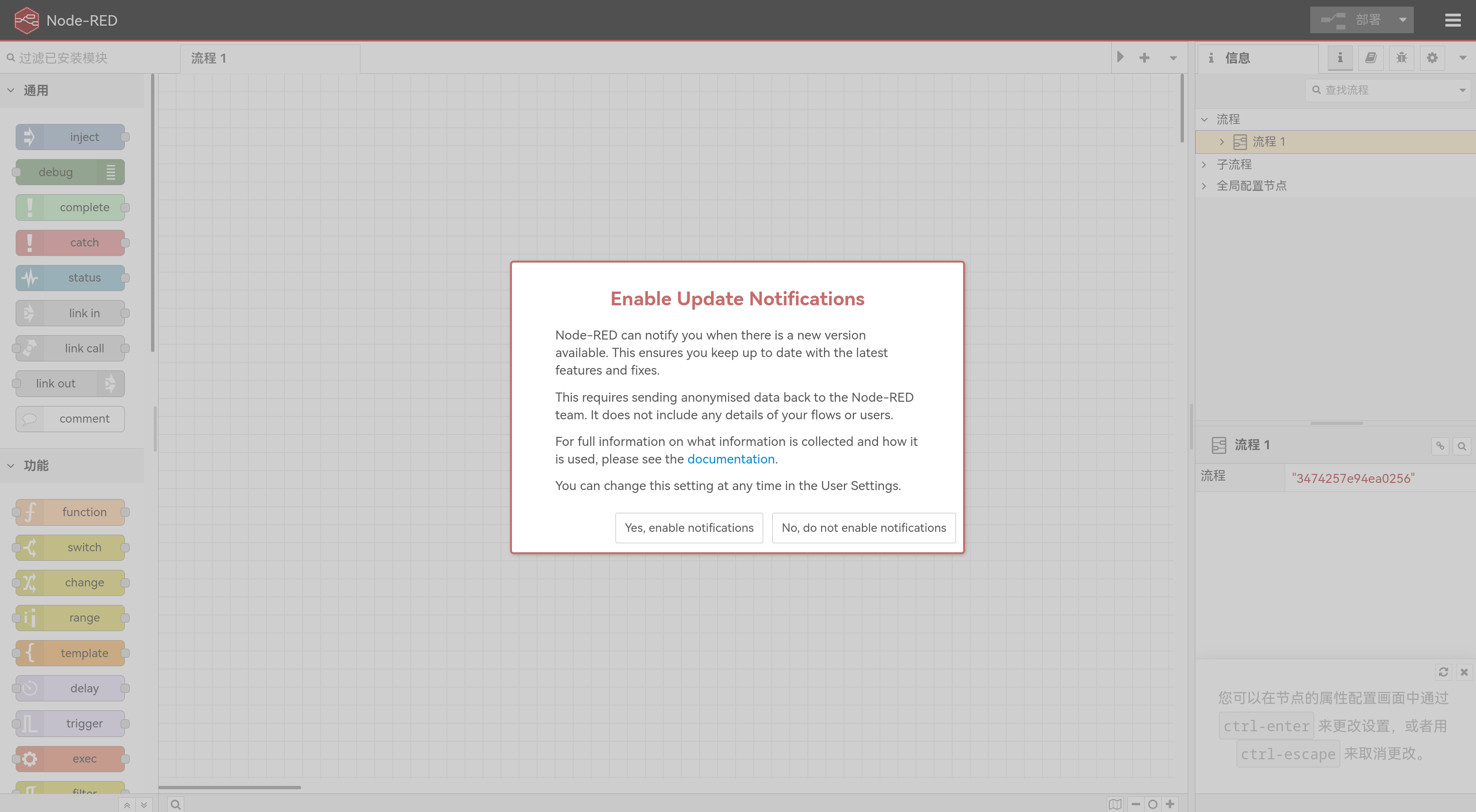
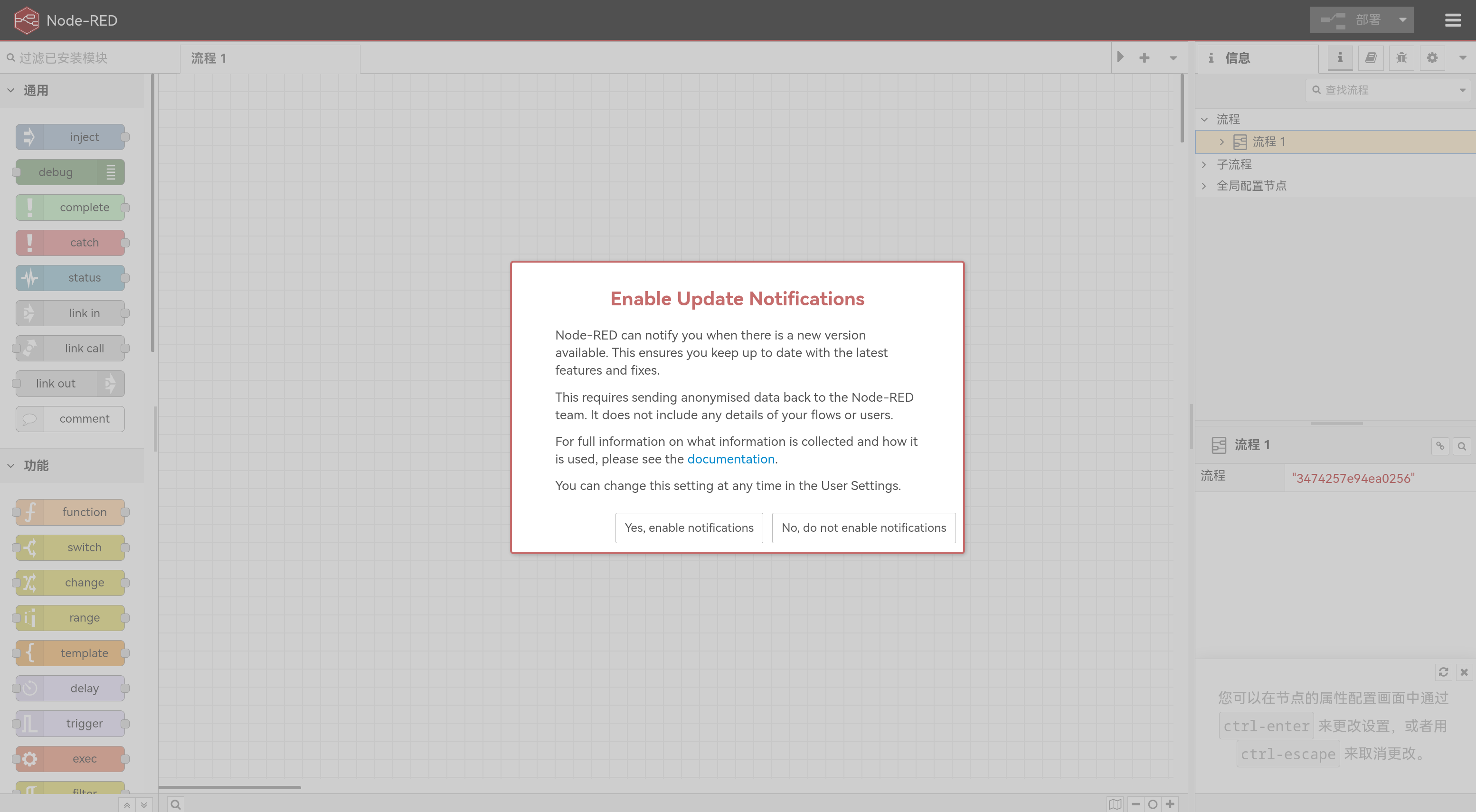
Then open http://172.16.100.2:1880 in your browser. A pop-up window will appear by default to notify you of updates; choose whether to enable notifications based on your preferences.
1. Node.js
Note: Some versions of the latest Node.js may have issues; we recommend using version 20, which is included in the repository, when running Node-RED.
sudo dnf update -y
sudo dnf install nodejs -y
node -v
2. Development Tools
sudo dnf groupinstall "Development Tools" -y
sudo dnf install cmake -y
2. Installing Node-RED
1. Installation
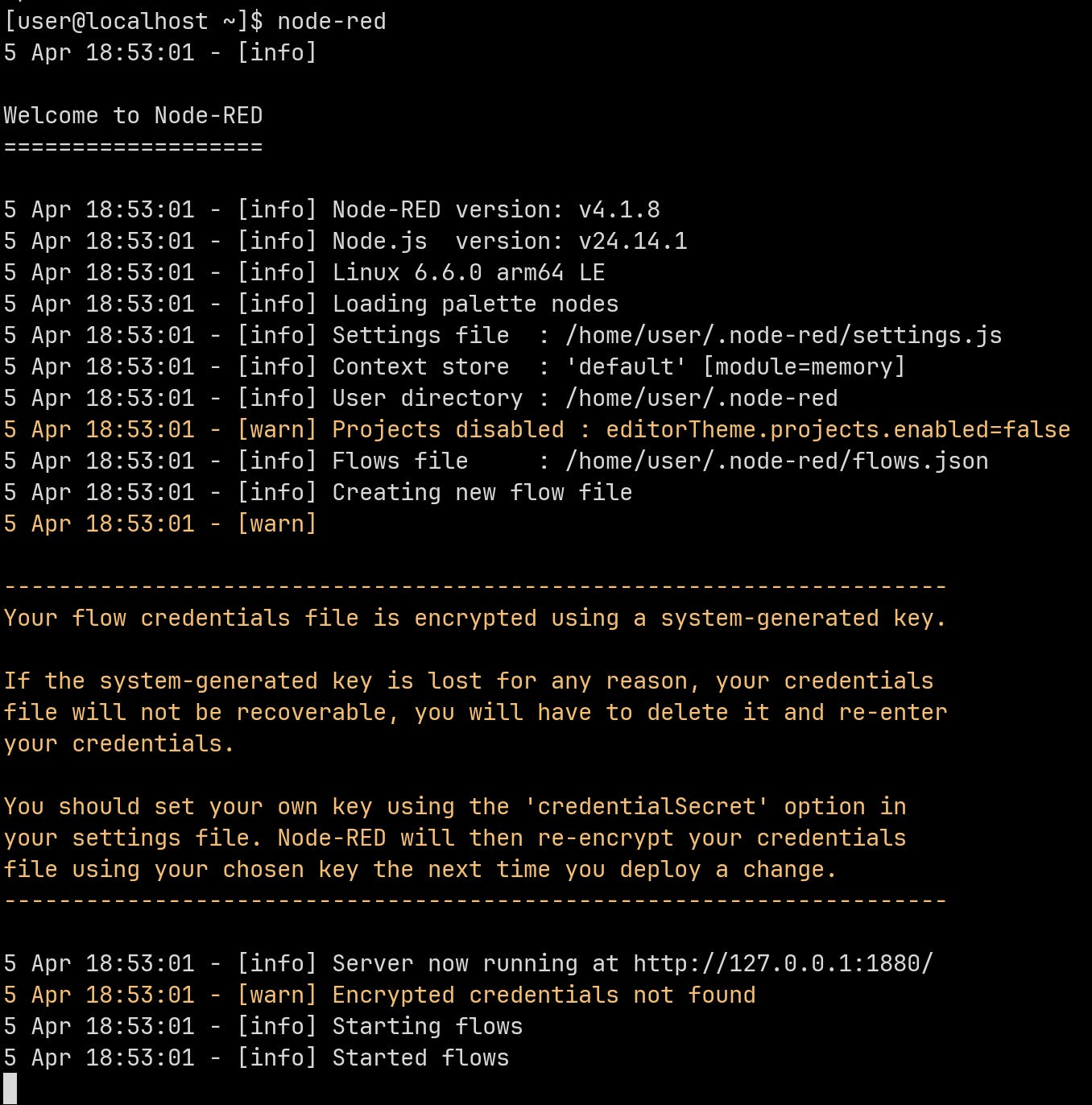
sudo npm install -g --unsafe-perm node-red --registry=https://registry.npmmirror.comOnce the installation is complete, type `node-red` to start it.
Then open http://172.16.100.2:1880 in your browser. A pop-up window will appear by default to notify you of updates; choose whether to enable notifications based on your preferences.
2. Enable HTTPS
Enable HTTPS so that certain components, such as those related to the microphone and camera, can function properly.
cd /home/user/.node-red
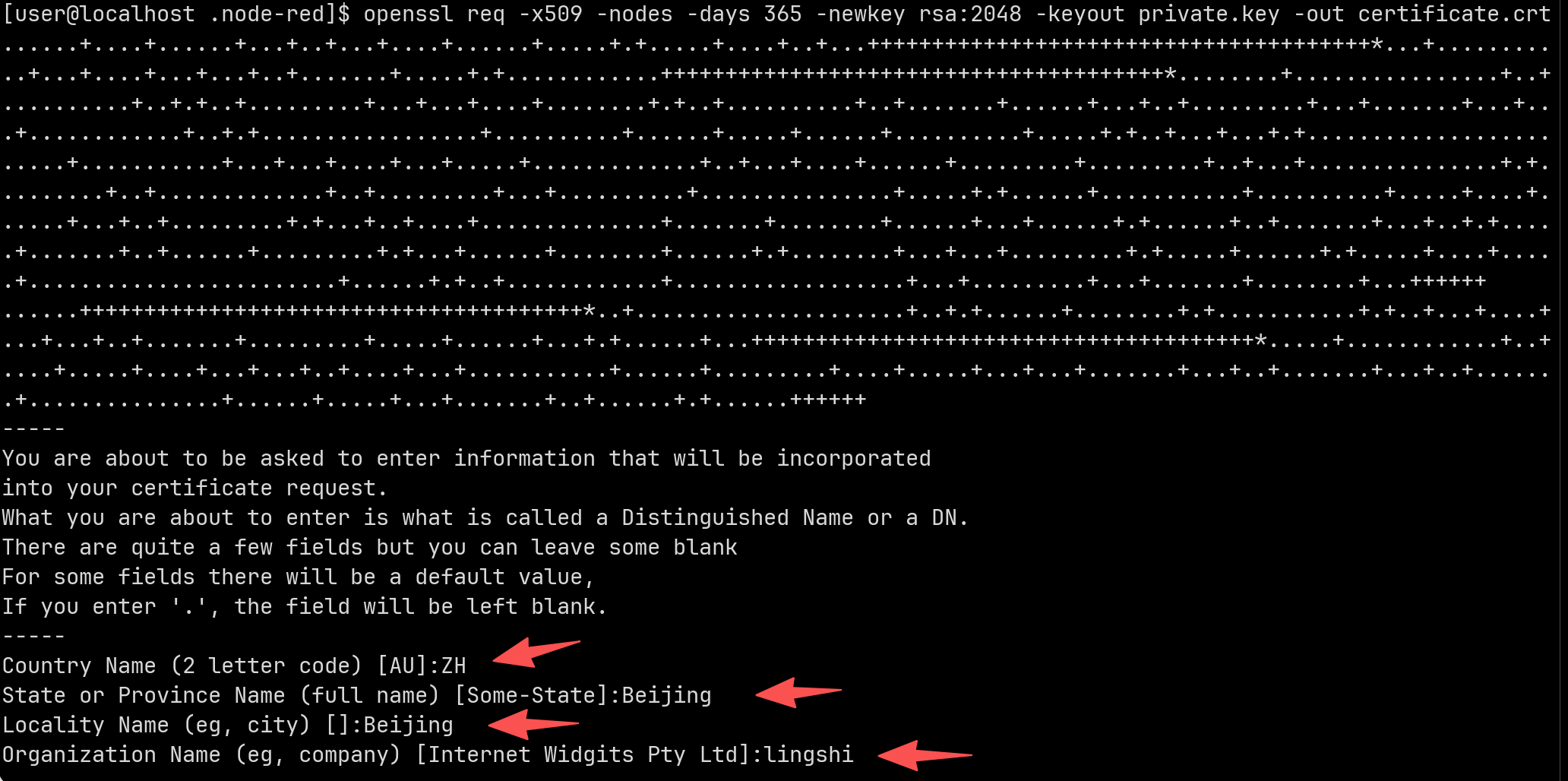
openssl req -x509 -nodes -days 365 -newkey rsa:2048 -keyout private.key -out certificate.crt
Fill in the country, province, city, and company according to your actual information, or you can just enter any values.
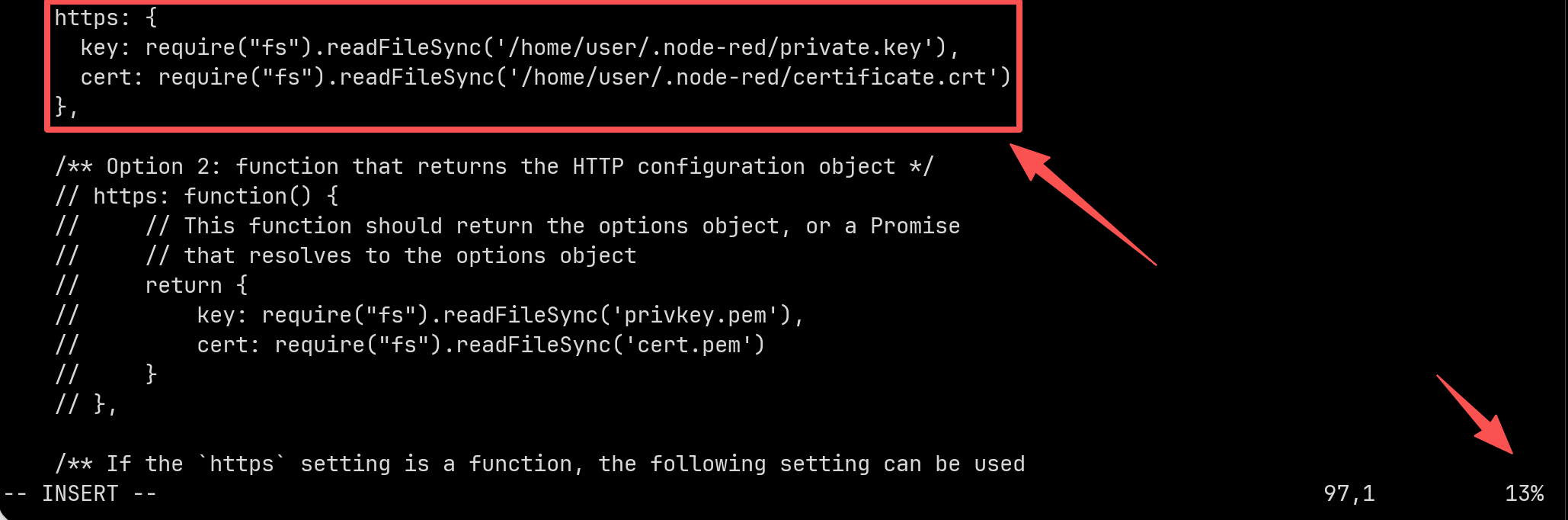
vi /home/user/.node-red/settings.jsComment out or delete the following content, then modify the paths for the key and certificate.
key:/home/user/.node-red/private.key
cert:/home/user/.node-red/certificate.crt
接着执行vi ~/.bashrc打开bashrc,在最后一行添加如下内容,忽略证书警告。最后执行source ~/.bashrc
export NODE_TLS_REJECT_UNAUTHORIZED=0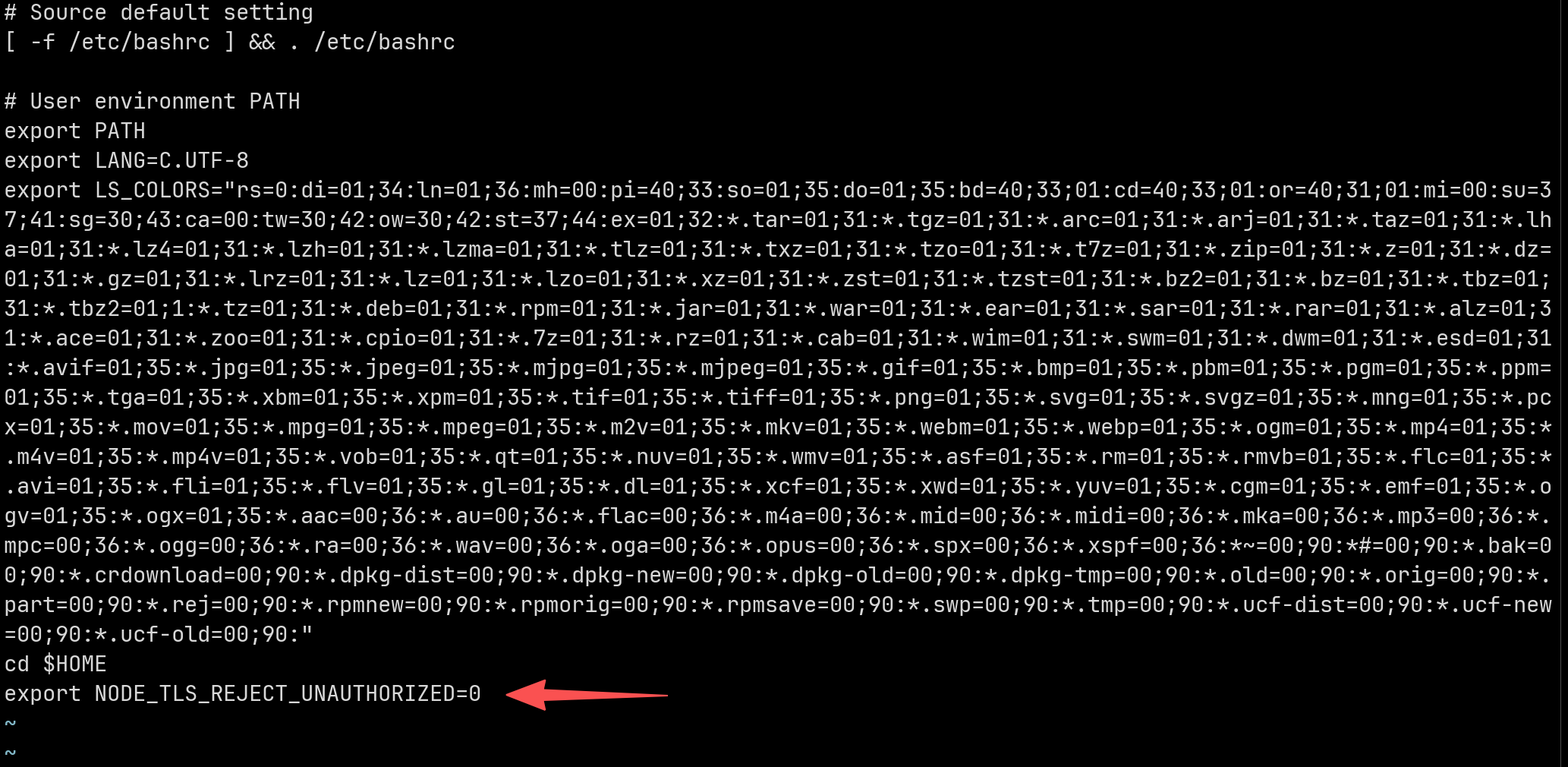
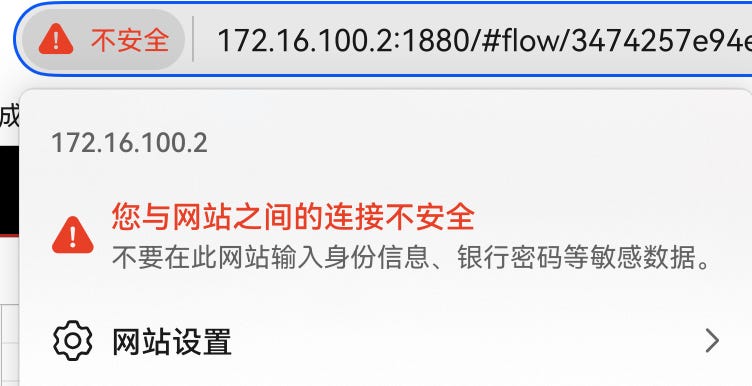
Restart Node-RED, then visit https://172.16.100.2:1880/. If you see a warning about an insecure certificate, just ignore it.
III. Installation Nodes
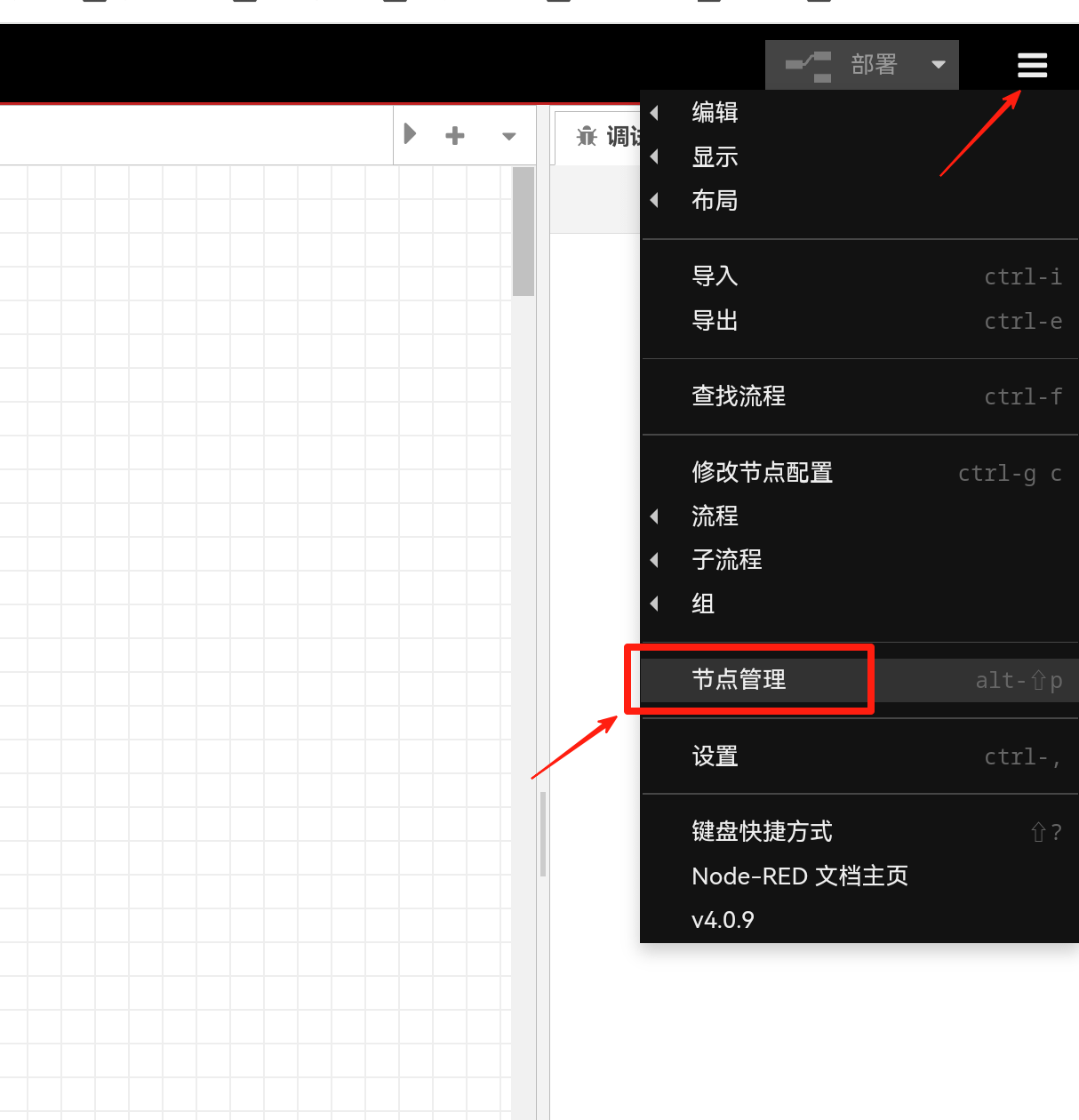
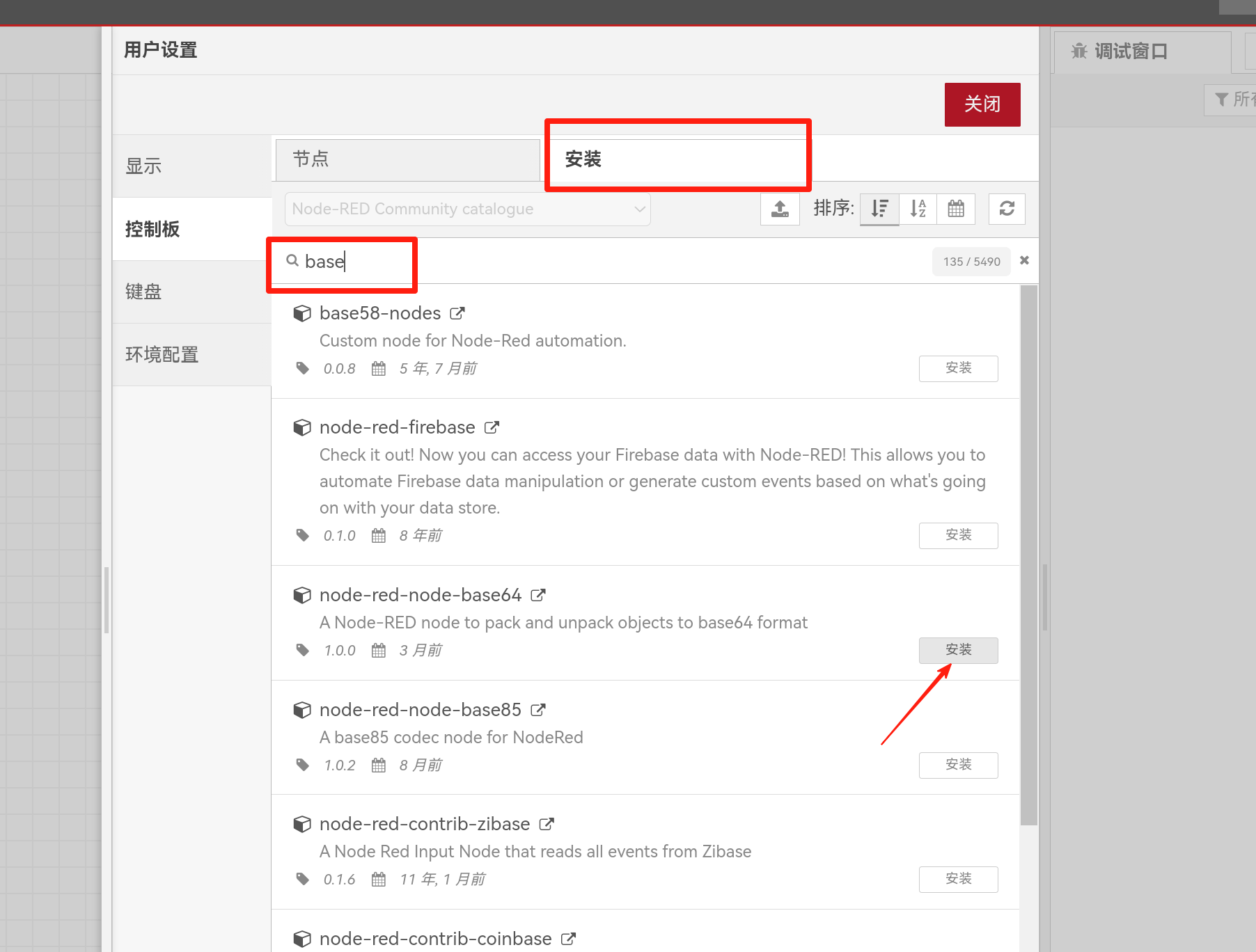
1. Installation Instructions
Here, I’ll use the base64 module as an example for the installation
2. Common Nodes
node-red-dashboard
Dashboard UI Collection
You can install both the old and new versions. The one marked as “deprecated” is the old version.


node-red-node-serialport
Serial port node (USB mapping has not yet been implemented in the virtual machine, so it cannot be used at this time)

node-red-node-ui-table
Table node

node-red-node-base64
Encoding and decoding data in Base64 format

node-red-node-random
Generate random numbers within a specified range

node-red-node-ui-webcam
Access the camera and capture an image from the dashboard

node-red-node-ui-lineargauge
Create a linear gauge to visualize a range of values

node-red-contrib-ui-led
Display LED status indicators on the dashboard

node-red-node-ui-list
Display simple list data on the dashboard

node-red-contrib-ip
Output IP address

node-red-node-ui-microphone
Microphone node

node-red-node-ui-webcam
Webpage access to the camera

node-red-contrib-modbus
Modbus industrial communication protocol

node-red-node-mysql
MySQL database client

node-red-contrib-tfjs-coco-ssd
TensorFlow image recognition node

node-red-contrib-ui-svg
Display SVG image nodes

node-red-contrib-ui-contextmenu
Dropdown menu node

node-red-contrib-ui-artless-gauge
A minimalist dashboard UI component for displaying values

node-red-contrib-image-output
Preview images in the programming interface

Other nodes I’ve used before but don’t use very often:
node-red-contrib-ui-countdown-timer-switch、node-red-contrib-ui-actions、node-red-node-ui-vega、node-red-contrib-ui-etable、node-red-contrib-ui-simple-level、node-red-contrib-ui-statechart、node-red-contrib-ui-digital-clock、node-red-contrib-ui-clock、node-red-contrib-readdir、node-red-contrib-ui-joystick