


Please note that this article was written 173 days ago and last modified 171 days ago, and some of the information may be outdated.
Preface
I wrote an article on “Building a Flutter App for HarmonyOS NEXT / OpenHarmony with Fastforge”
But as a lazy dog, I suddenly thought that I had to upload it to the App Store - App Gallery after I finished building, which was still a bit troublesome.
Then I found out that App Gallery supports uploading built apps through the Publishing API, so I added support for uploading to App Gallery to Fastforge.
The PR has been merged and published in Releases
0.6.5
Fastforge | Make your app distribution with ease.
How to use:
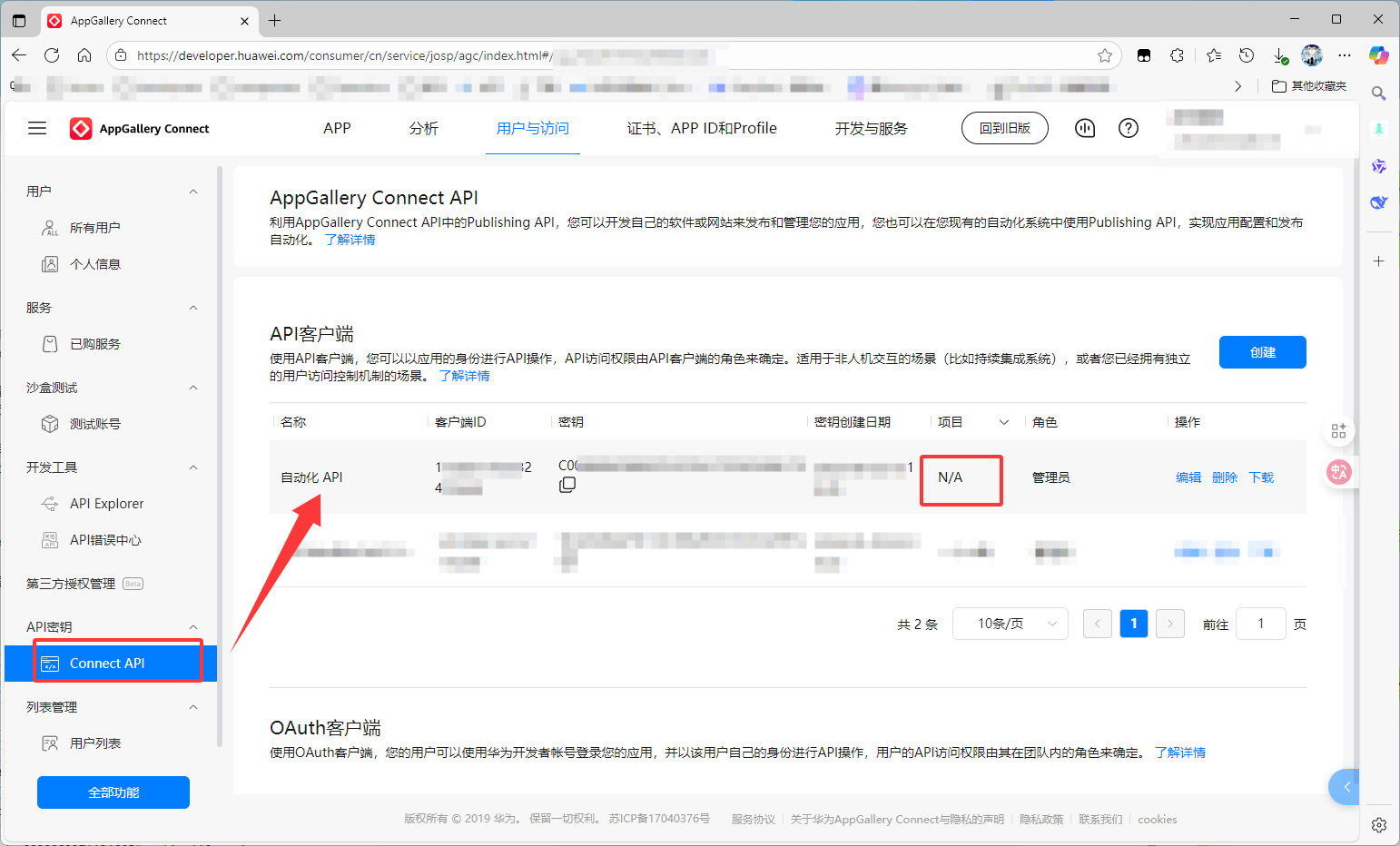
1. Create a Connect API client
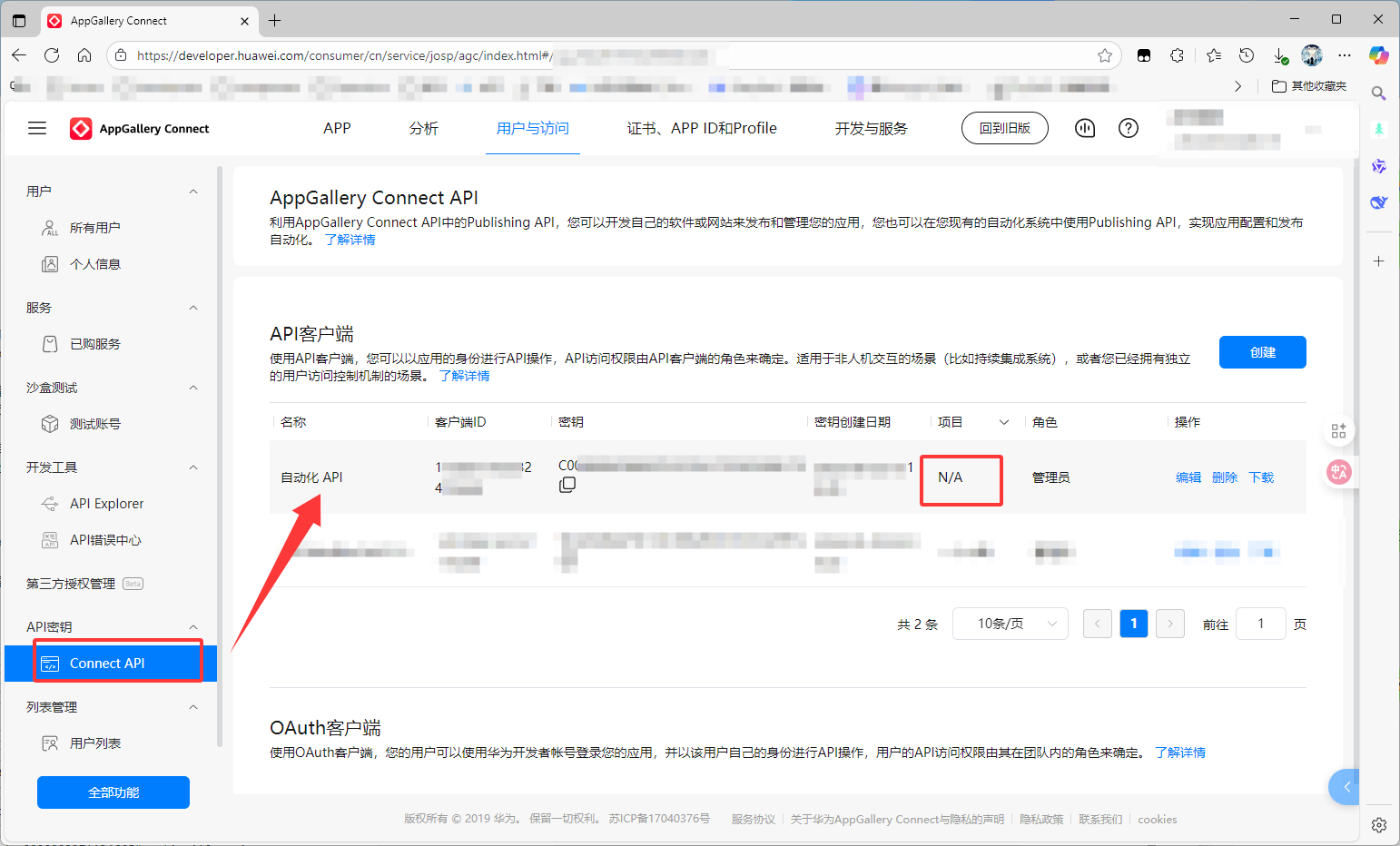
Create an API client and get client_id and client_secret according to the documentation Create an AppGallery Connect API Client, as shown below
2. Install Fastforge
You can refer to the installation tutorial in the previous article
Build Flutter apps for HarmonyOS NEXT / OpenHarmony with Fastforge
3. Instructions for use
Expose the client id and client secret of the Connect API in your environment
export APP_GALLERY_CLIENT_ID="your client id"
export APP_GALLERY_CLIENT_SECRET="your client secret"
Then execute the following command in the project to upload it to the App Gallery; where is the app in the App Gallery app-idAPP ID
fastforge publish \
  --path dist/1.0.0+1/hello_world-1.0.0+1-ohos.app \
  --targets appgallery \
  --appgallery-app-id <app-id>
--appgallery-app-idPass the parameters to the publisher. You can also configure the same in (see example below).app-iddistribute_options.yamlapp-id
As mentioned above, you can actually build an app first and then upload it, you can refer to the following configuration to quickly build and upload it to the App Gallery.
output: dist/
variables:
  FLUTTER_ROOT: ./.fvm/flutter_sdk # 由于我项目使用 FVM 托管 SDK
  APP_GALLERY_CLIENT_ID: 'your client id'
  APP_GALLERY_CLIENT_SECRET: 'your client secret'
releases:
  - name: ohos-release
    jobs:
      - name: release-ohos-app
        package:
          platform: ohos
          # 应用市场仅支持 'app' 格式
          target: app
          build_args:
            # 可选,默认为 default, 对应 ohos 中的 product name
            flavor: release
        publish:
          target: appgallery
          args:
            # 应用在 AppGallery Connect 上的 APP ID
            app-id: 'your app id'
4. Presentation
If you don’t have a global Dart/Flutter environment, temporarily use the DART from the FVM Flutter SDK in your project
$env:PATH += ";$PWD\.fvm\flutter_sdk\bin" # Windows(powershell)
export PATH=$PATH:$PWD/.fvm/flutter_sdk/bin # Linux / macOS
Suppose a configuration item named releases is configured in the Executiondistribute_options.yamlohos-release
fastforge release --name ohos-release --skip-clean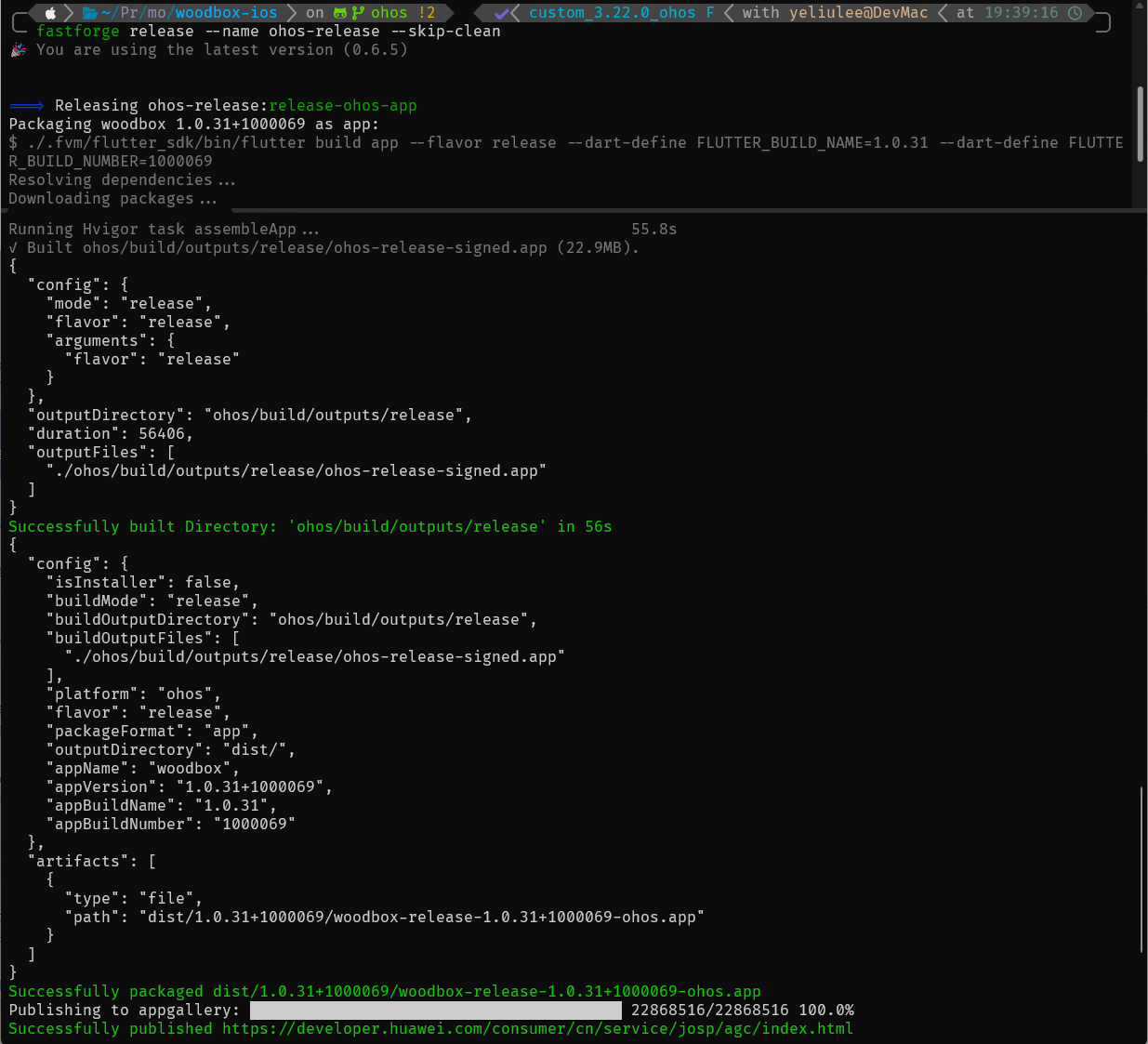
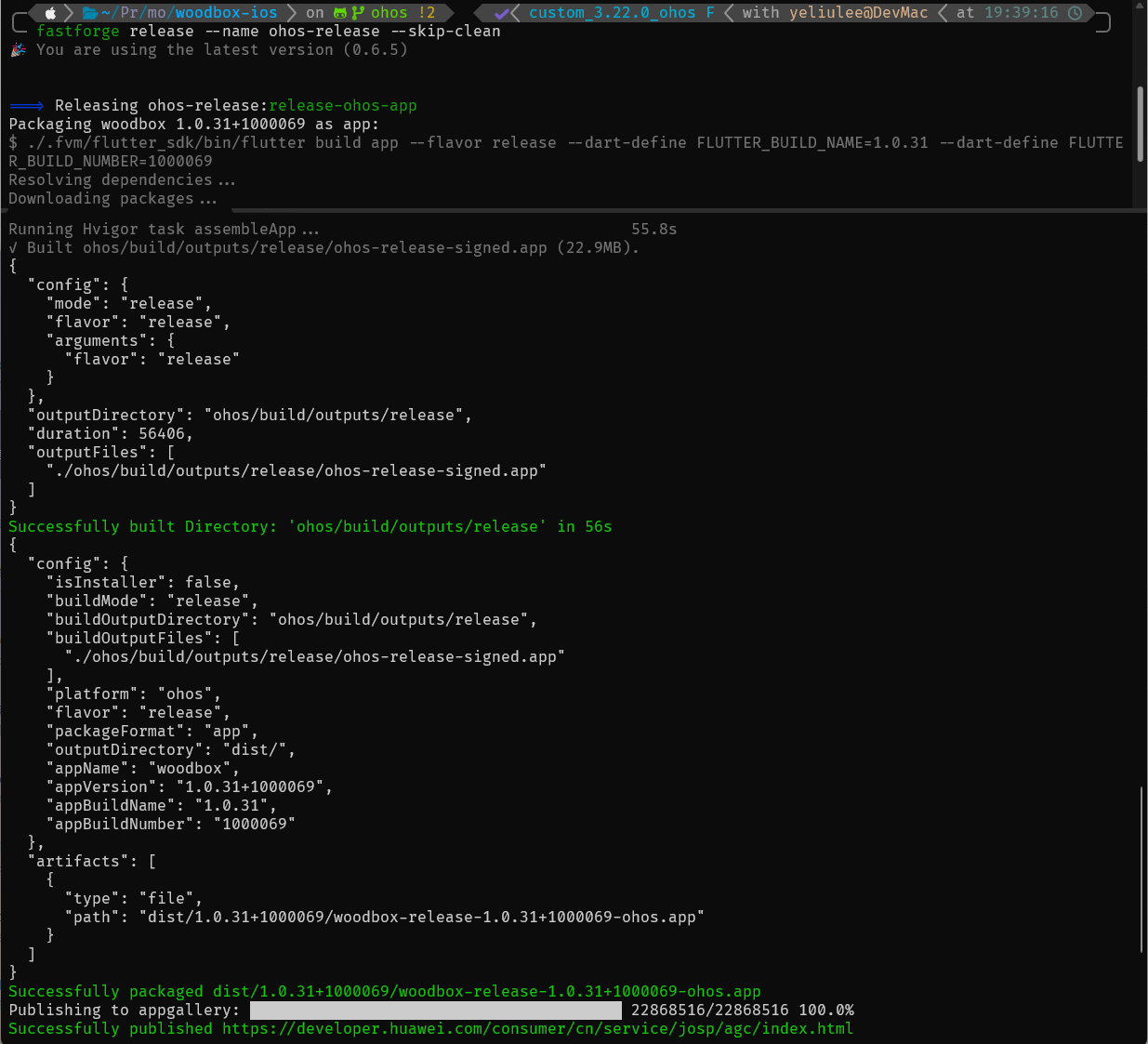
Open the App Gallery Connect platform and you will see that the app package has been uploaded
